With Patch 12.1, Blizzard is adding new functionalities to the Ping System. These changes aim to improve coordination using pings, which are especially helpful to groups without voice coordination.
Announced Changes
During the 12.1 WoWCast, Blizzard already announced a handful of improvements, seen below.

Ping System Updates
For managing other resources, we’re making more updates to the ping system. Players will be able to ping their action bar or the Cooldown Manager itself providing your team with the status of your spells.
However, there are even more changes in the PTR, so let’s go over them one by one.
Pinging Resource Bars
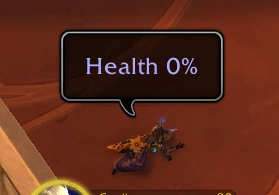
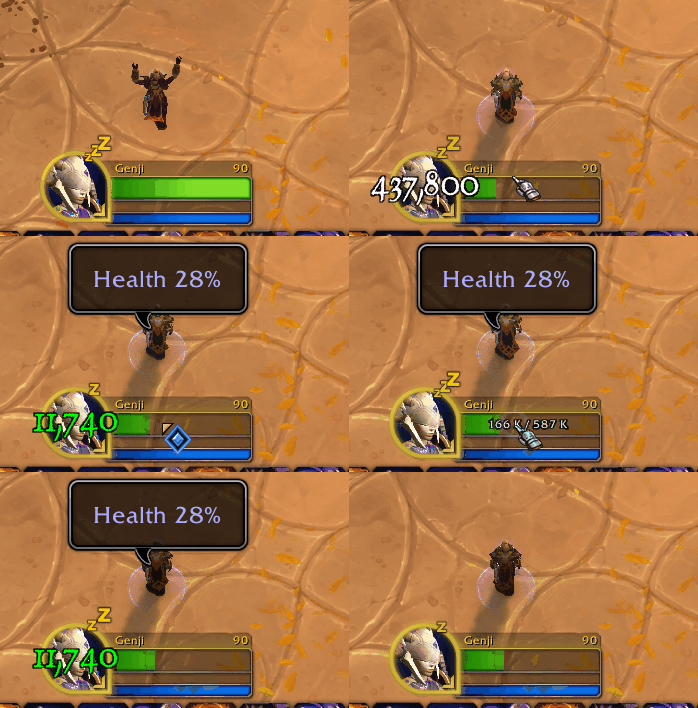
The first advertised change, you can now ping resource bars (health, mana, energy, etc) to put their status in chat, plus a sound warning for your group. You can even ping your health when you’re dead!
Pinging Spells
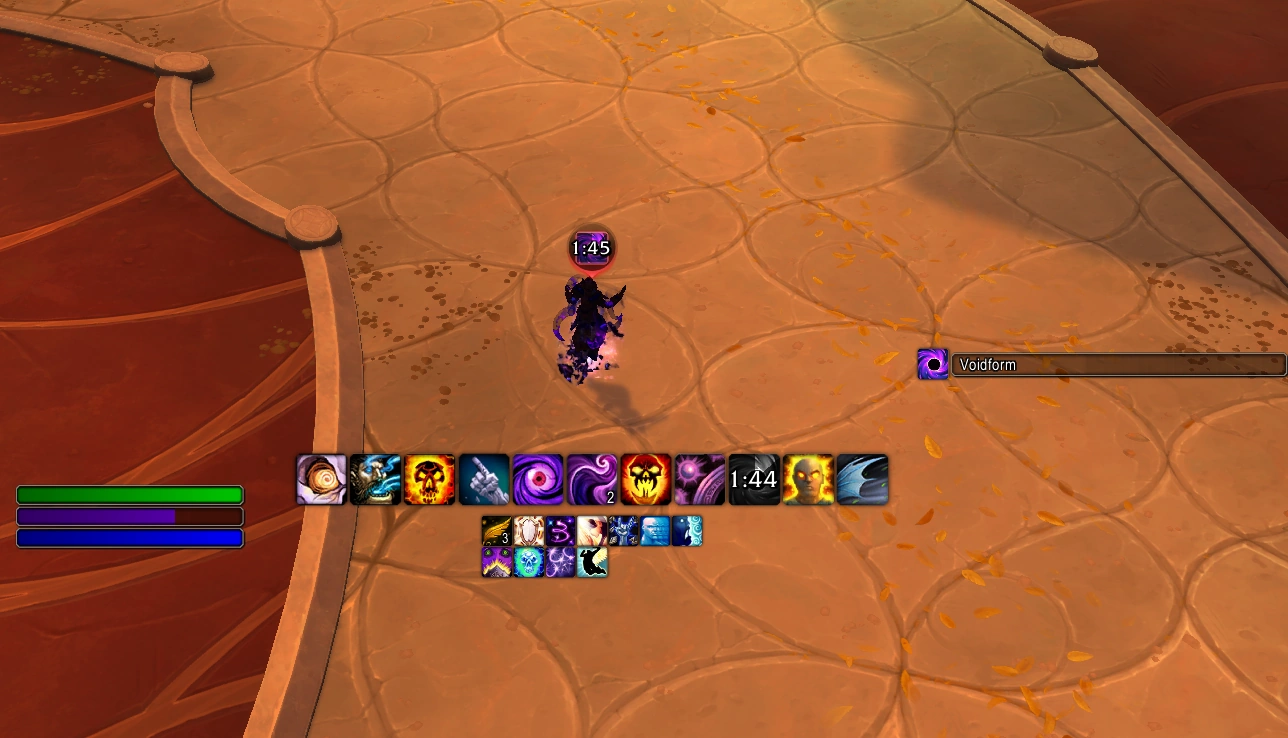
The second change is the ability to ping spells. This can be done from either the Cooldown Manager or from action bars. There are limitations, however.
From testing on the PTR, you weren’t able to ping spells inside addon action bars (Bartender, ElvUI, etc), but that might be a limitation fixable by addon creators. You also cannot ping spells inside macros. For instance, if you have a macro to kick your focus or kick your target if focus doesn’t exist, pinging that macro won’t ping your kick availability.
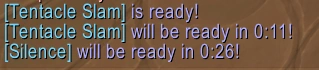
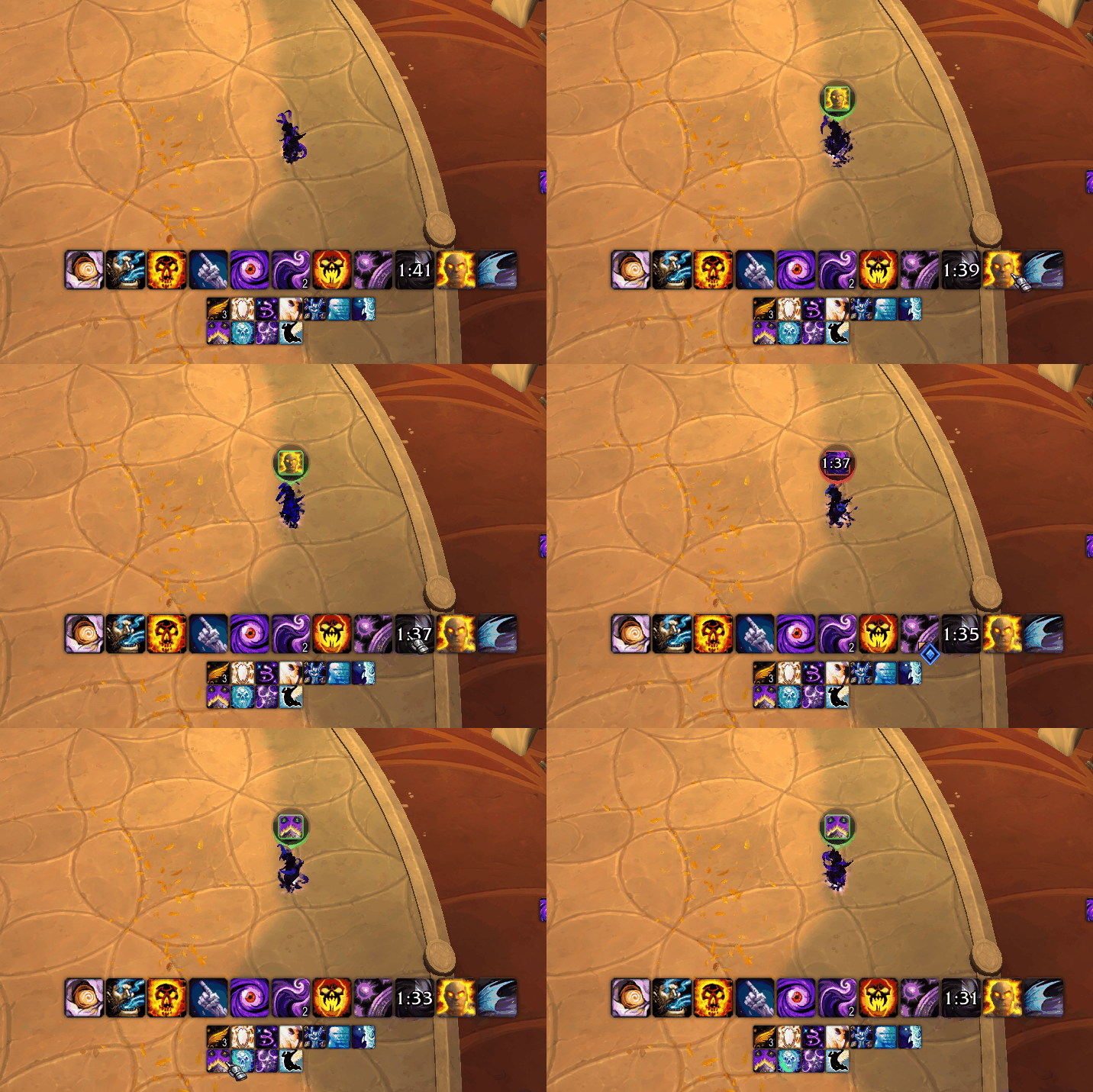
When pinging a spell, if you’re locked out of it due to being silenced, pacified, or another effect, it will also display it.
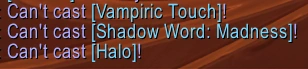
New Macros for Pings: Pingspell and Pingitem
With these changes, you can also include pings in macros, with pingspell and pingitem. These cause the ping to happen as if you pinged a spell or item, respectively.
For instance, this macro:
/pingspell Silence /pingspell Power Infusion /pingitem Vaelgor's Final StareWill generate the following output:
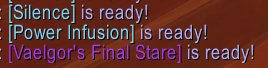
This has a lot of utility for coordinating with pugs or groups without voice. You can make a macro to ping your externals if you’re a healer, or ping your major DPS cooldowns to let the tank know they can do a big pull next.
Ping Target Settings
Are you tired of pinging the boss when you want to actually ping the ground? Blizzard agrees with you. Patch 12.1 adds new settings to control what your pings target. You’ll be able to pick three modes:
- Show All – Able to target anything that you’re mouseovering.
- The current setting, no change from 12.0.7.
- Units – Pings will only hit units in the world, ignoring all environmental objects or locations.
- Useful for pinging things like nameplates beyond terrain.
- Environment – Pings will only hit environmental objects or locations in the world, ignoring all units.
- Useful for melee or tank players that keep pinging that dang dragon wing instead of the ground.
There’s also a new keybind – ‘Toggle Ping Target’ – which allows you to rotate between those three modes with the click of a bind.
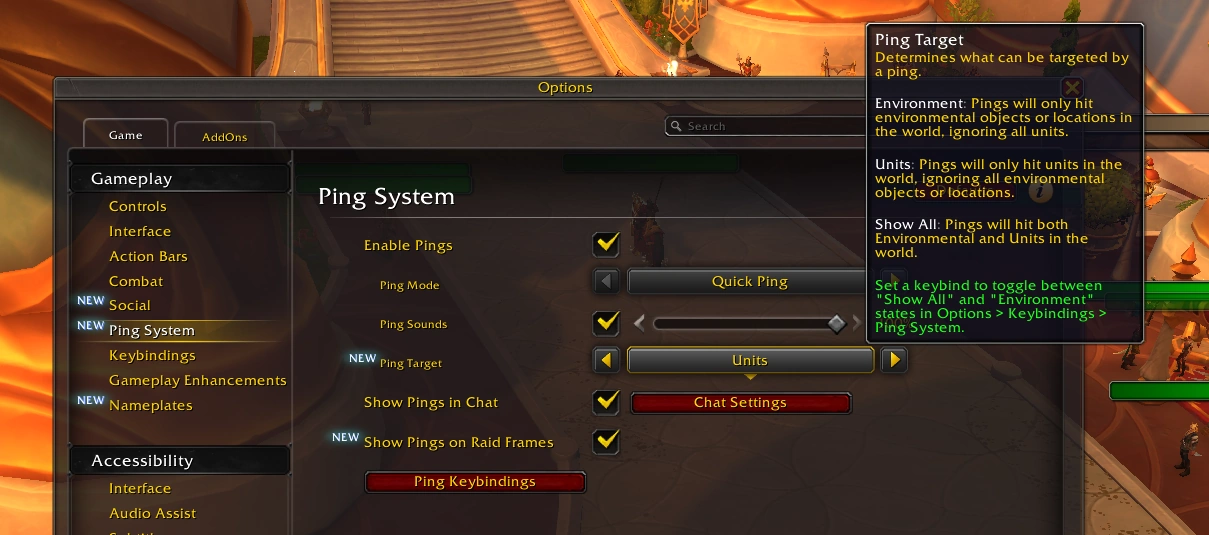
Display Pings in Raid Frames
The final setting is showing pings in Raid Frames. With this enabled, you’ll be able to see pings being done to raid members in frames. Useful for coordinating things like “dispel me” or “big damage coming” with your group on a whim.